 ISAAC WOOTEN

Northlit
Explore distinct directions. Build your favorite. HangarX’s AI design suite.
Designers, studios and agencies lose hours rebuilding a client’s context for every concept, and most AI tools make it worse: one answer, off brand, and straight to code. Northlit is an AI design suite for designers, creative teams and agencies. It turns a brief into a board of distinct directions that stay on brand, then builds the one you pick into a working prototype, from the app or from any coding agent. I lead it end to end: product direction, design system, front end and the MCP server.
This site is the proof. Its direction was explored, chosen, prototyped and handed off in Northlit, then built with Claude Code in a day.
Designing an AI design tool
Most AI design tools give you one answer and make you prompt your way toward taste.
A designer doesn’t work that way. You put several directions on the wall, compare them and choose, and you keep the client’s brand in every one. Northlit is built around that moment: the brand DNA is extracted once and locked, a brief becomes a board of distinct directions on brand, you pick one, and it becomes a working prototype with the tokens an engineer or a coding agent needs. It is deliberately not a code generator with a canvas bolted on.
Before
- Prompt for one answer
- Prompt again, toward taste
- Rebuild the result in code
With Northlit
- Bring a brief, or a brand
- Compare a board of distinct directions
- Pick one and build it
- Hand off a prototype, tokens and markup
You
- Bring the brief and the brand
- Choose the direction
- Direct the edits and approve the build
Northlit
- Extract and lock the brand DNA
- Generate divergent directions on brand
- Build the chosen one into a prototype
- Export tokens and markup, or run the loop from a coding agent
How it works
Northlit turns a brief into a board of distinct directions, keeps them on brand, and builds the one you pick into a working prototype.
01. Bring the brief
Start with an idea, references or a brand. Brand DNA is extracted once and locked, so every generation stays on brand.
02. Explore directions
A board of divergent directions instead of one guess. Compare, add more, spin variations.
03. Build and edit
Build the chosen direction into a responsive prototype. Ask for changes in plain language. Every edit is a version you can revert.
04. Hand off
Export a design contract, tokens and markup, or run the whole loop from Claude Code or Cursor over MCP.
Designed for agents too
Northlit has two kinds of user: people, and the agents working for them.
Any MCP client can drive it, from Claude and Claude Code to ChatGPT, Codex and Cursor, so a designer’s brand, references, styles and skills travel into whatever tool they already work in. Every design run is also written out for agents to read as plain markdown: a summary of the run, the moodboard, each direction, the prototype’s version history, the design system and an activity log. And a library of about 150 design skills, each one a discipline, style or pattern, is there for an agent to read before it generates, the way a new designer reads the brand guidelines first.
The calls I made
Professionals first
Whether to build for professional designers or for people who aren’t designers was one of the two hardest calls. We chose designers, studios and agencies first, with founders and builders close behind, because they feel the cost of rebuilding a brand for every concept most.
A suite and an agent, not one or the other
Northlit could have been completely agent-driven. Instead it is both: a suite a person drives, and an MCP server any agent can drive, sharing the same brand, references and design skills, so the work moves between them without starting over.
How this site was made
Every step has an agent doing the work and a person making the call.
This portfolio went through the same loop Northlit is built for. The agents explored, built and rendered; I wrote the brief, chose the direction and reviewed every change before it shipped. The brand worlds and project reels across the archive came out of the same loop.
- 01NorthlitExtract and lock the brand DNAYouWrite the brief, pick the references
- 02NorthlitGenerate a board of distinct directionsYouChoose one
- 03NorthlitBuild the direction into a prototypeYouDirect the edits
- 04Claude CodeBuild the site from the handoffYouReview every change
- 05Northlit + Claude CodeRender brand worlds, reels and new pagesYouApprove what ships
Evidence
This portfolio is the proof.
Brand system
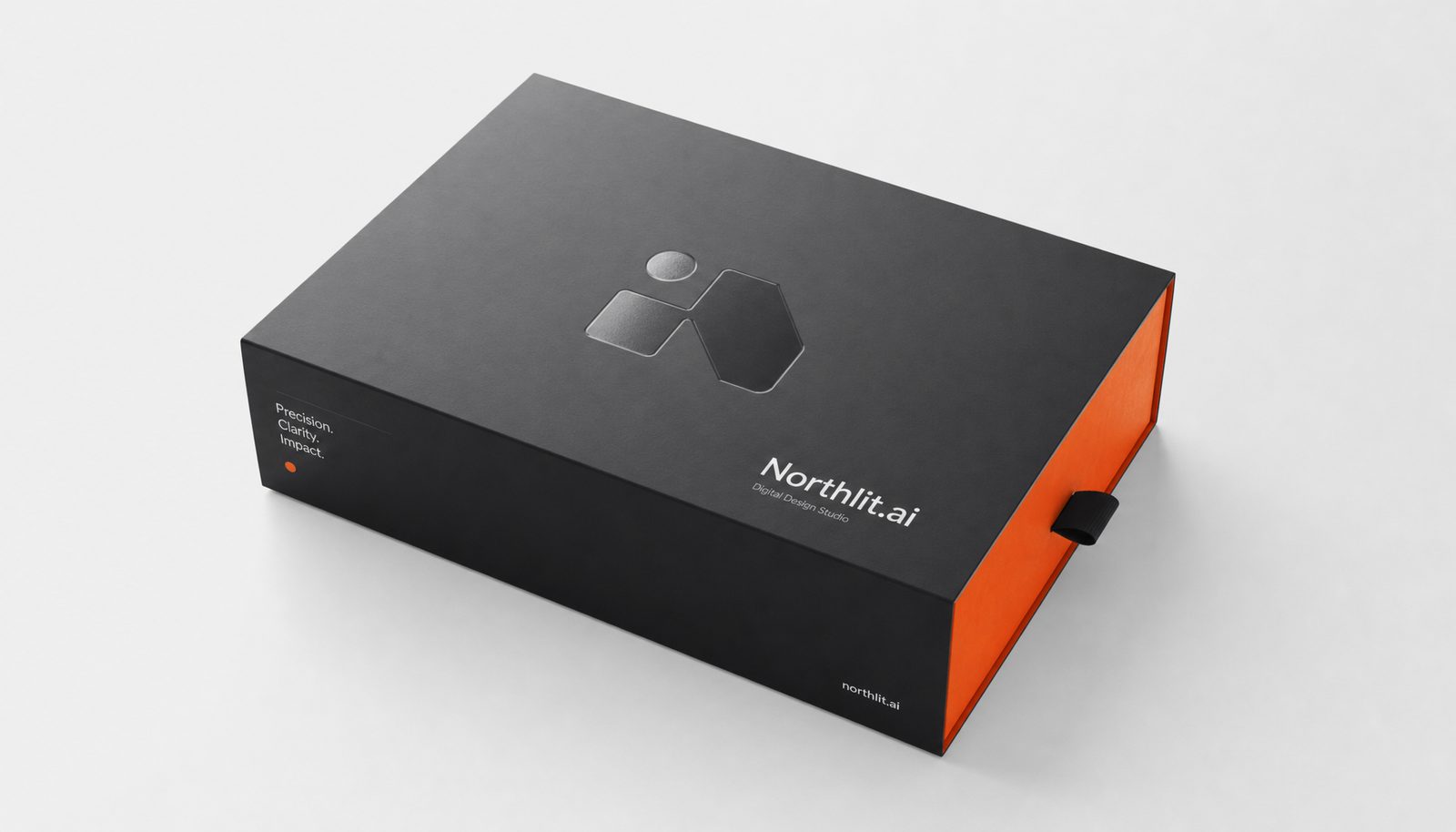
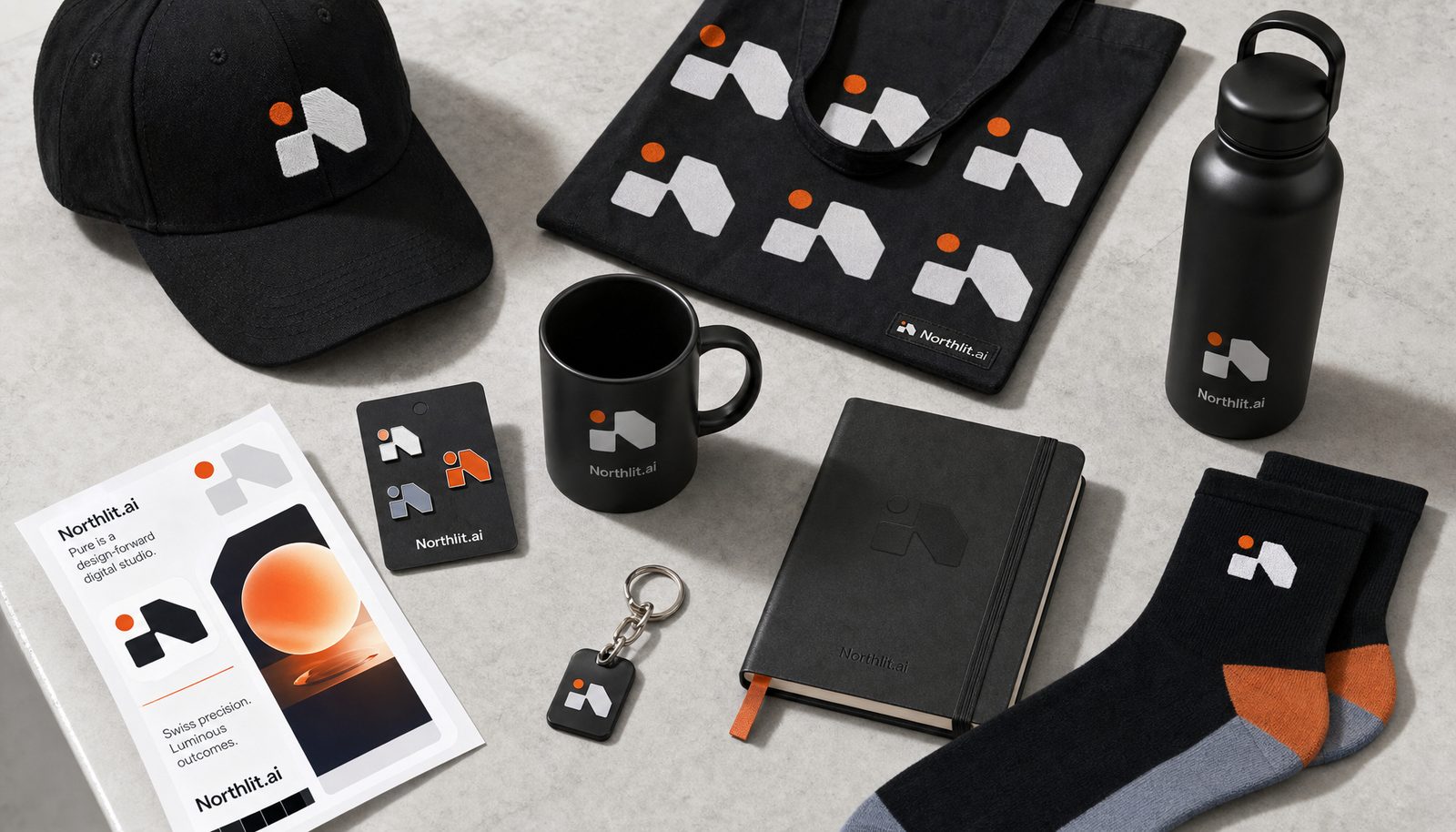
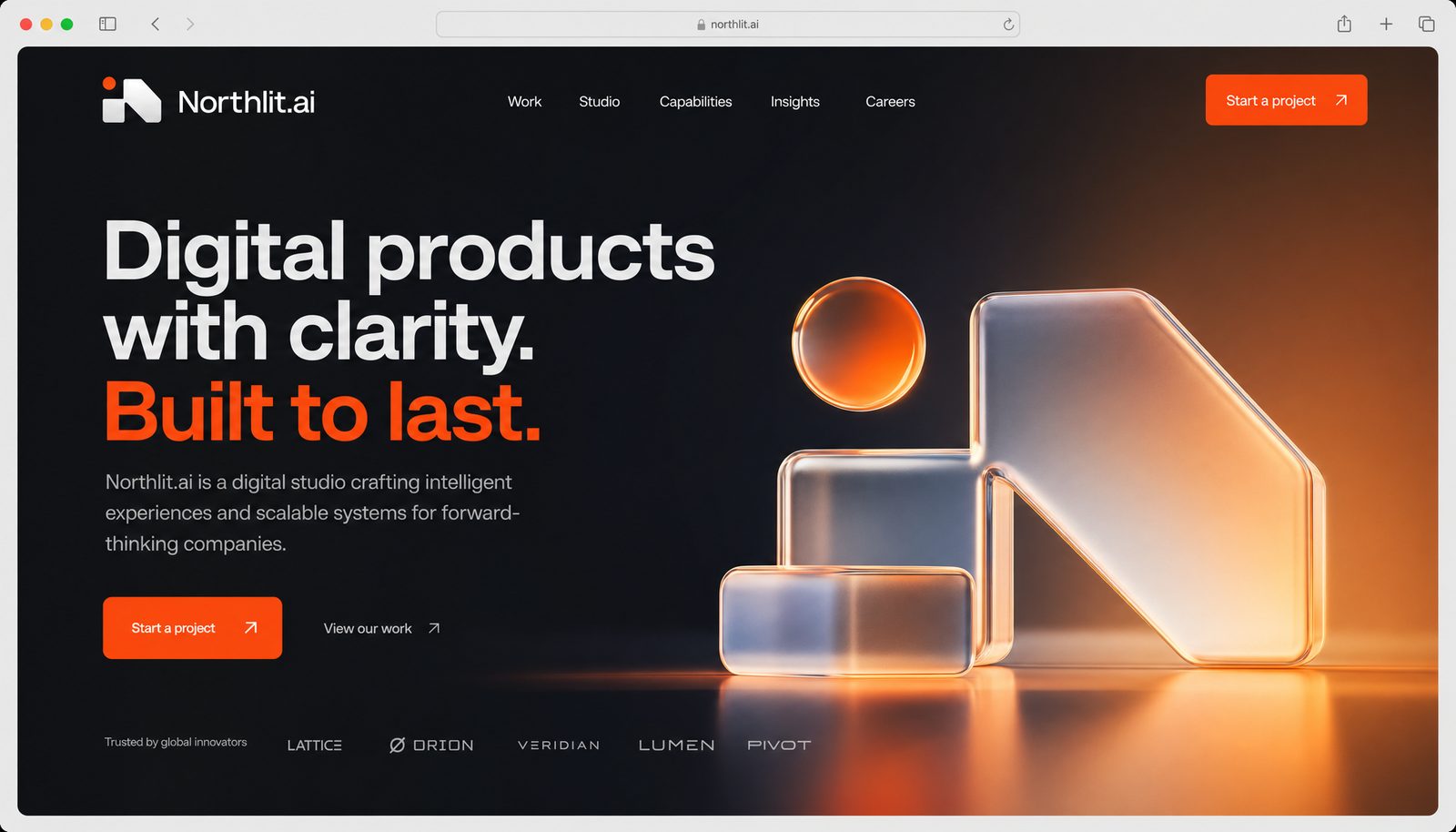
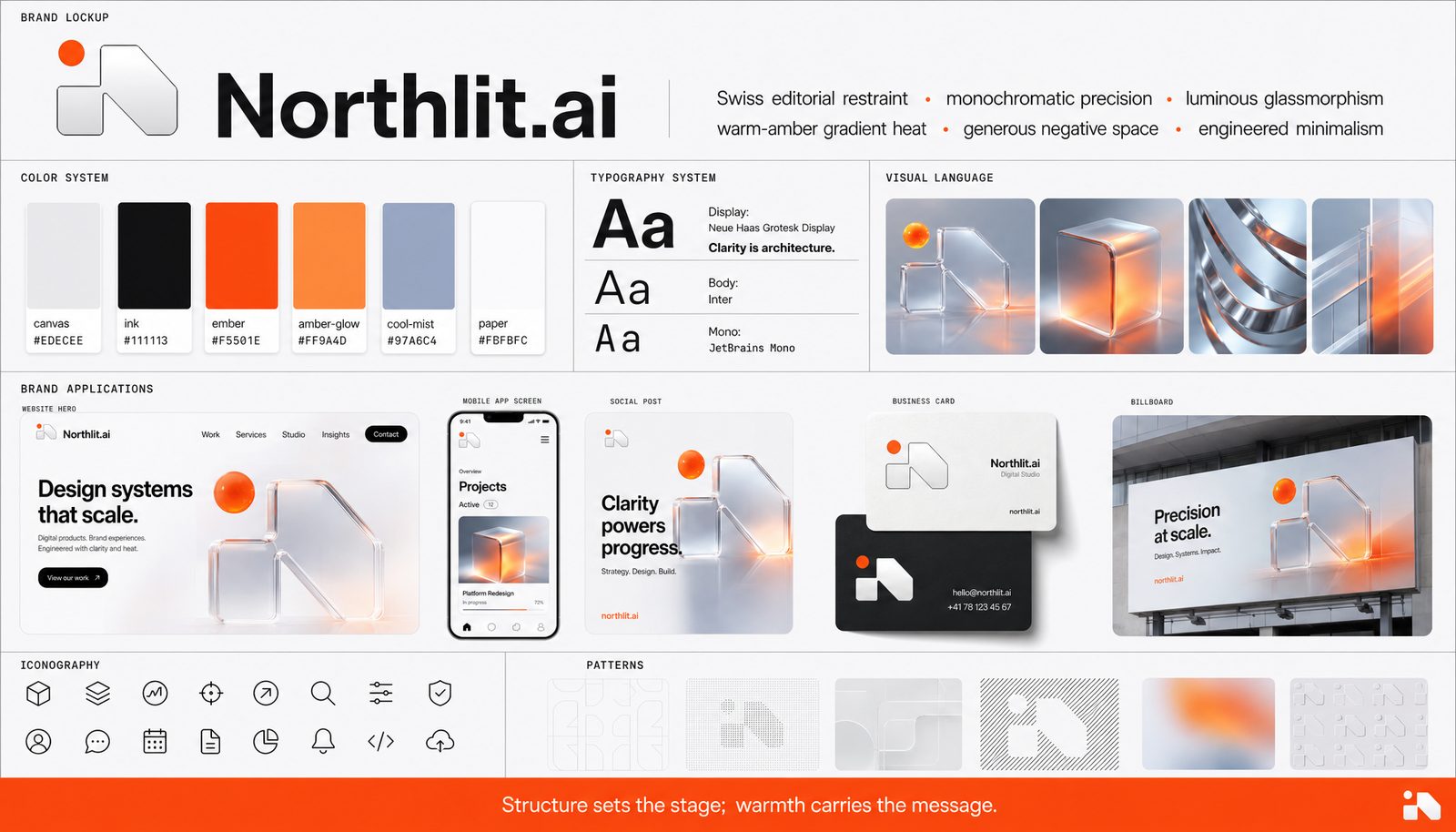
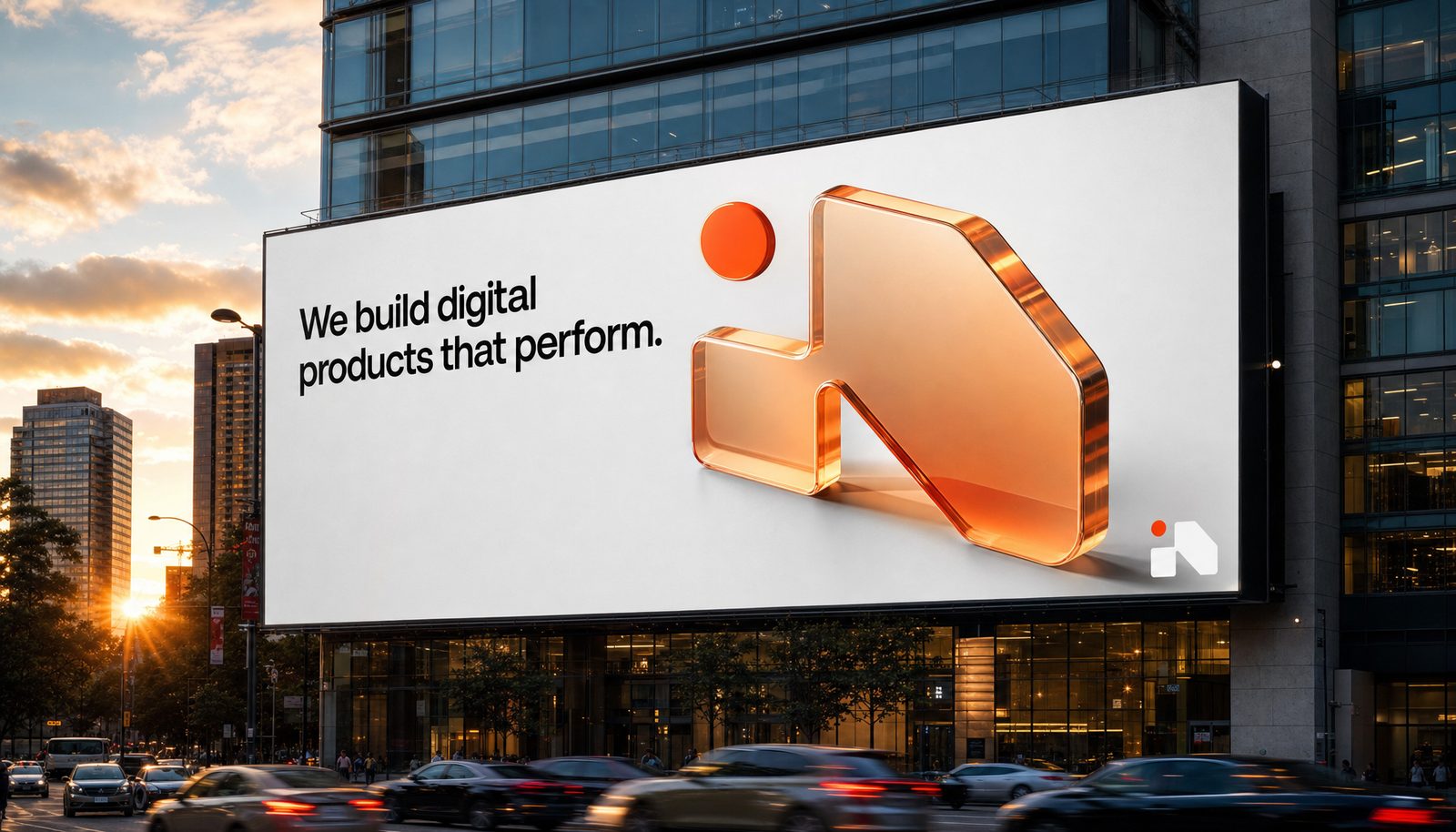
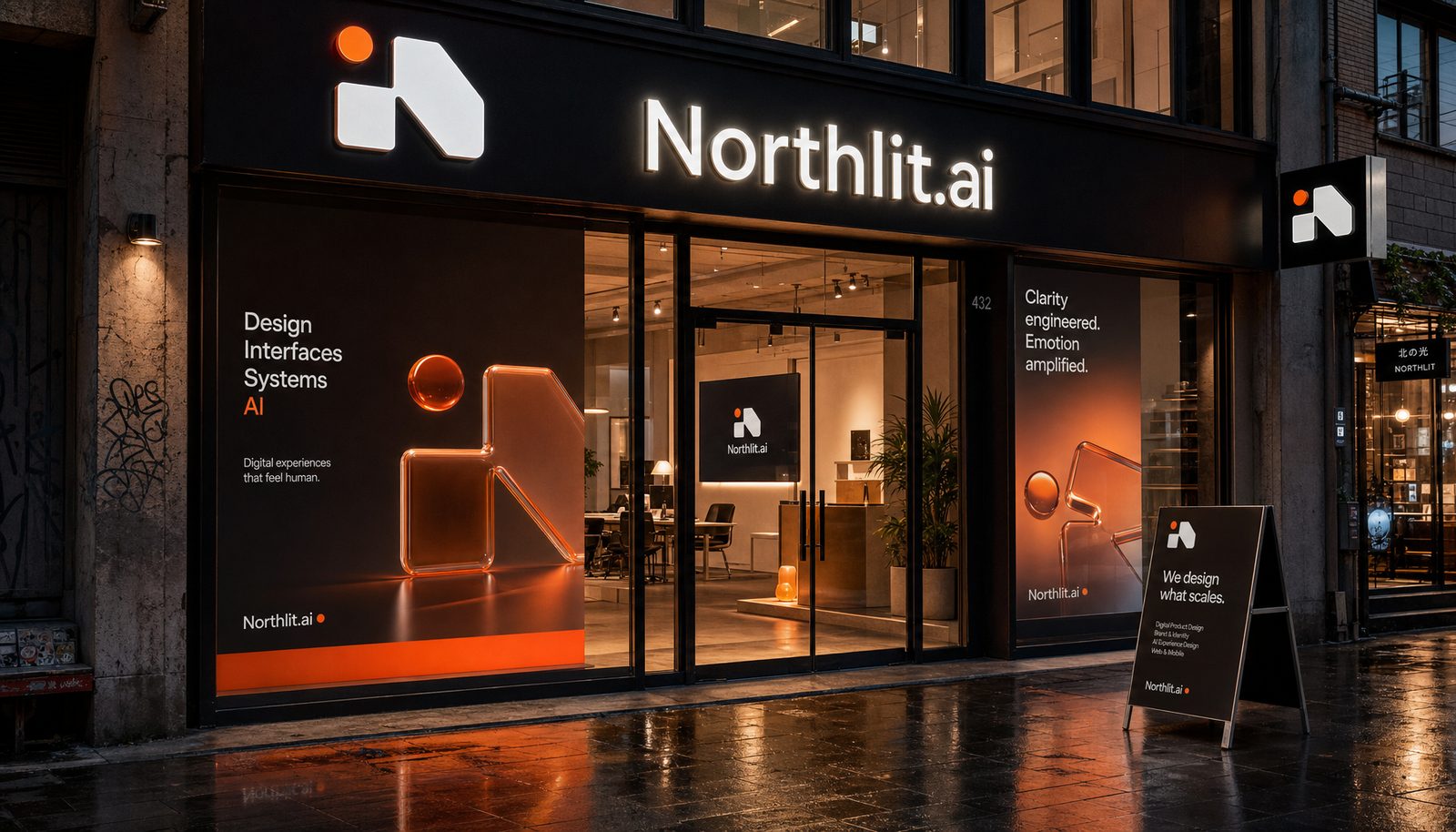
Logo system, product surfaces, print, packaging and out-of-home for Northlit.
 Brand world · rendered in Northlit from the locked brand DNA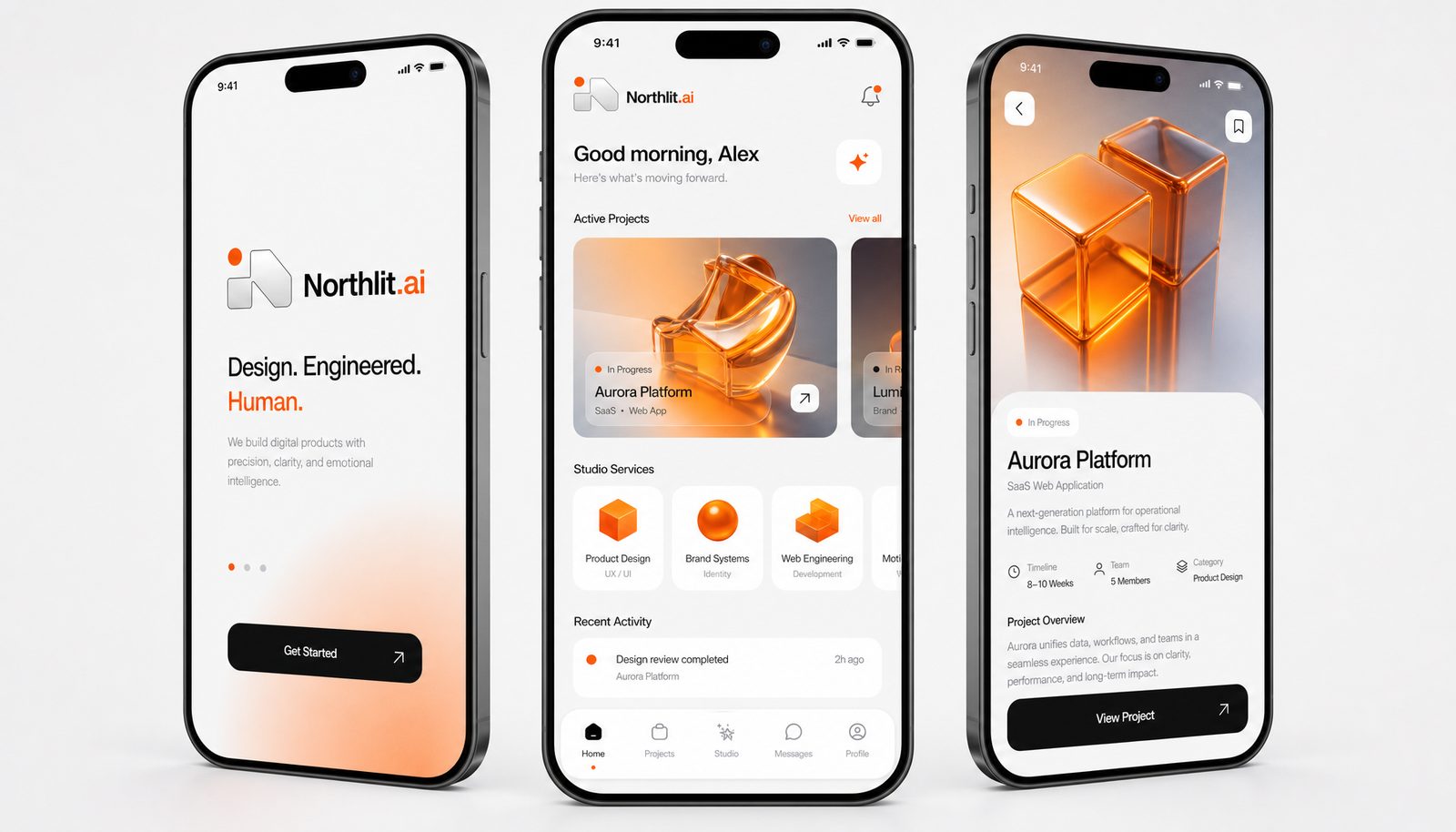
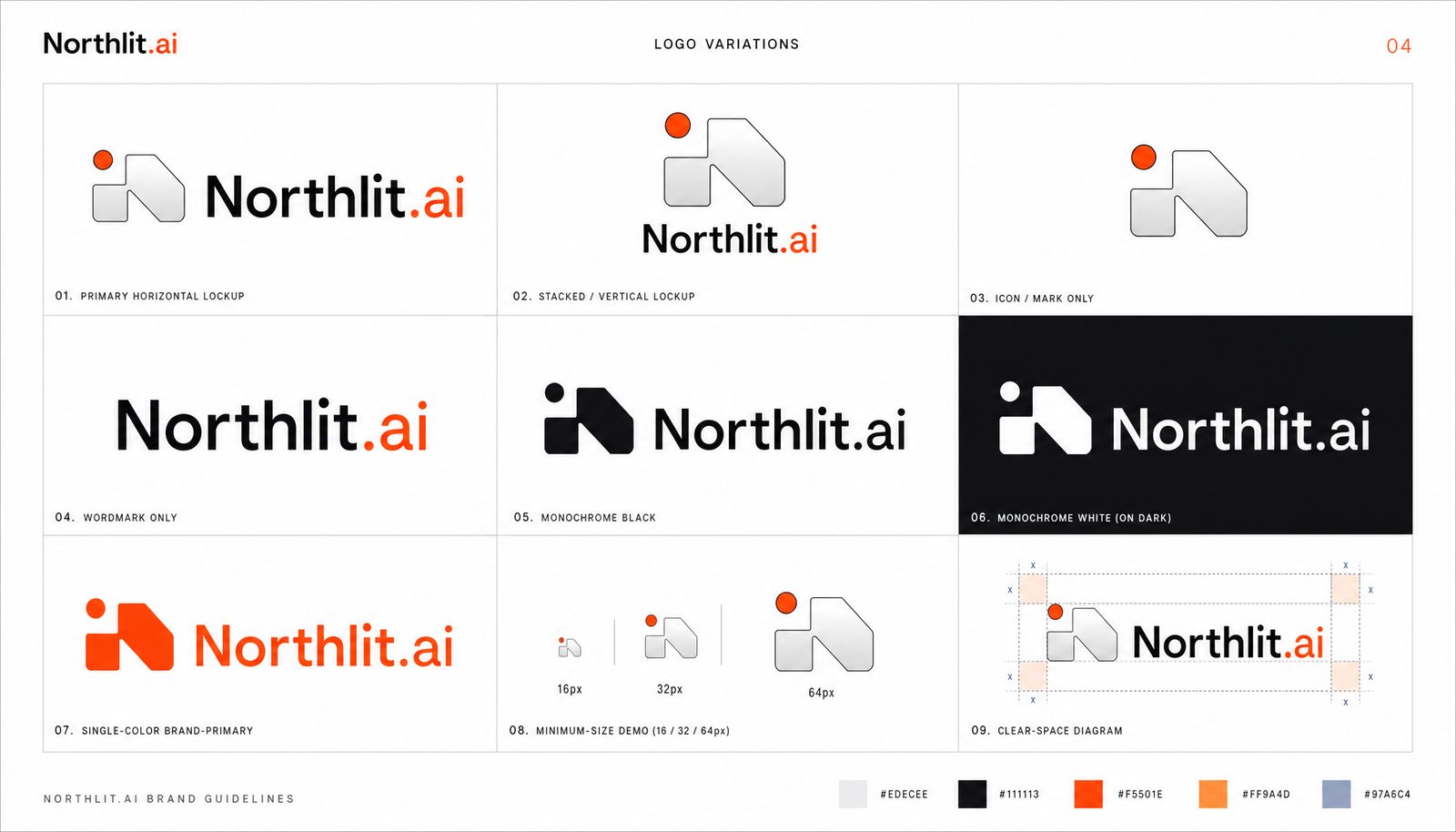
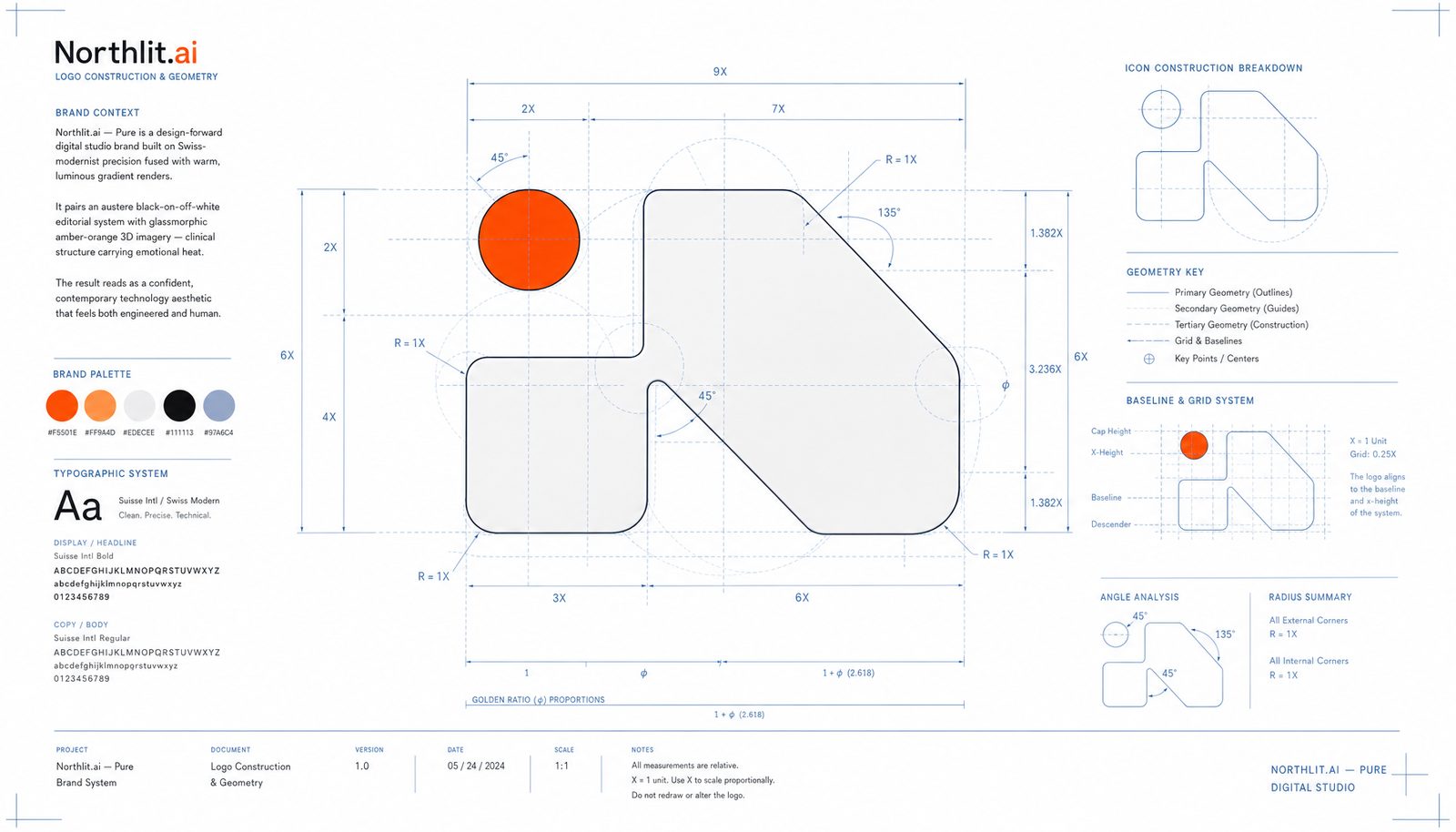
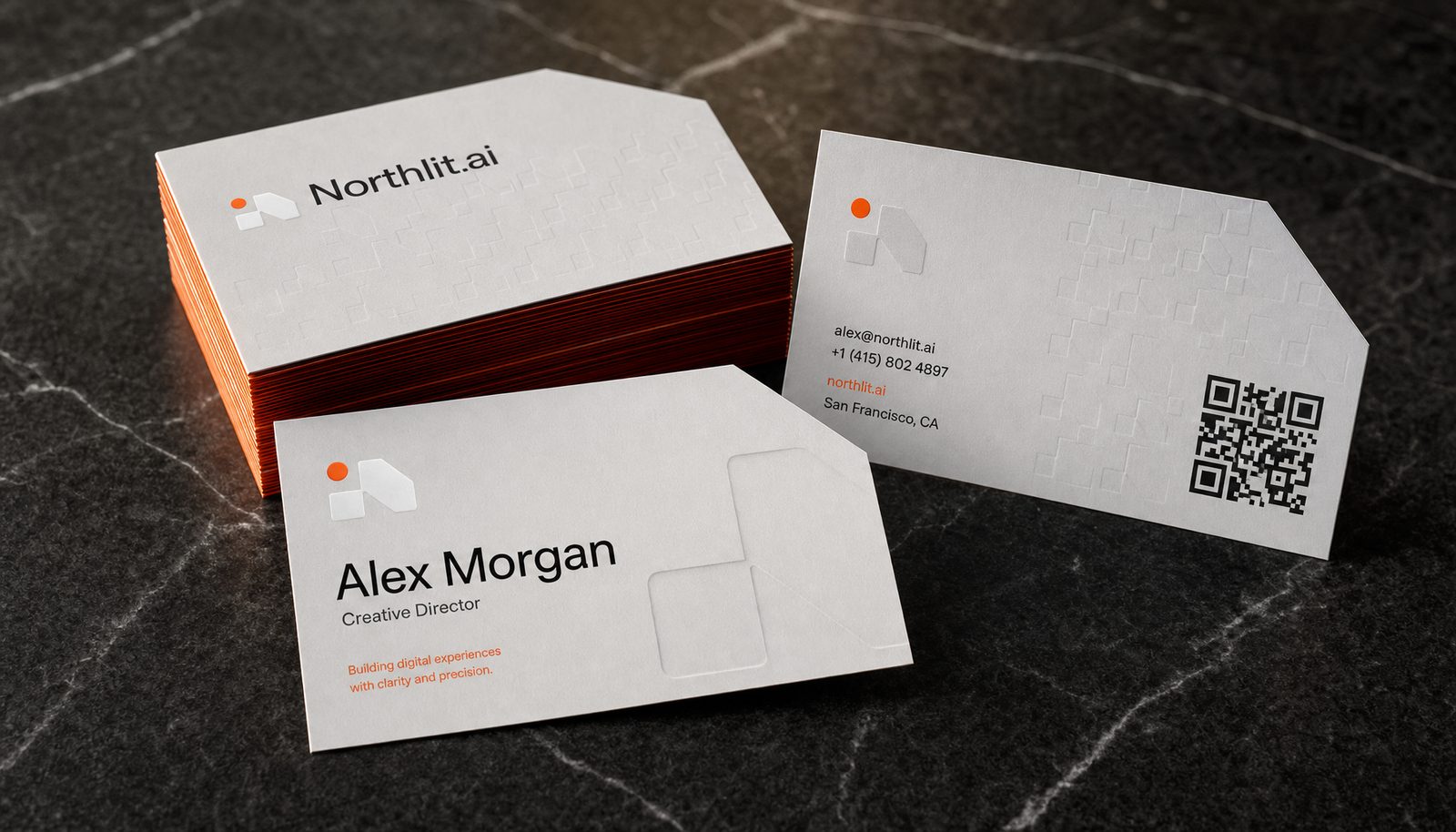
Point it at a brand
The hardest thing to fake is a brand you do not own. Northlit reads a brand's public surface, extracts its DNA — palette with roles, type stack, voice, layout posture, the anti-defaults — locks it, and then produces a complete brand book against it: nineteen artifacts, from logo construction and a type specimen through app icons, data visualisation, packaging and environmental signage.
As a test I pointed it at Google Cloud, a brand with a large, well-documented and entirely public identity, and nothing of mine in it. It came back with the palette, the geometric-sans type stack, the layout posture down to dark full-bleed bands break the white flow, and the anti-defaults that matter — colour stays in the mark, links and accent graphics, never in body text or backgrounds. That last one is the kind of rule a brand guardian would write and a generator usually misses.
A Northlit-generated interpretation of a public brand, not Google's brand guidance, and not affiliated with Google.
Read the Google Cloud brand book ↗Start where a creative director starts: with divergence.
Northlit, the idea
Role
The prototype carries the direction’s type, color, spacing and motion into real markup, with a design contract and tokens for engineering or a coding agent.
Built at HangarX, where I’m co-founder and CTO. I lead it end to end: product direction, design system, front end and the MCP server that lets coding agents use it. It’s the tool I wanted after twenty-five years between the canvas, the codebase and the company.
- Product strategy & 0 → 1
- AI product design
- Design systems & tokens
- Front-end engineering
- Agent tooling (MCP)
- Brand systems
What I’d tell you over coffee
Start with divergence.
A creative director never starts with one answer. They put several directions on the wall and choose, because comparing is where judgement happens. Most AI tools skip that step and make you prompt your way toward taste. Northlit is built around the moment of choosing, so the person keeps the decision and the tool does the rest.
Next
Northlit is live. Start a design, or connect it to your coding agent.
Visit northlit.ai ↗